draw, code, play, share
CodeSprites will be a gamified learning platform for all things game development. Learn how to draw, code, and create music for your dream game through a structured curriculum that is perfect for both beginner and intermediate game‑developers.
About the platform
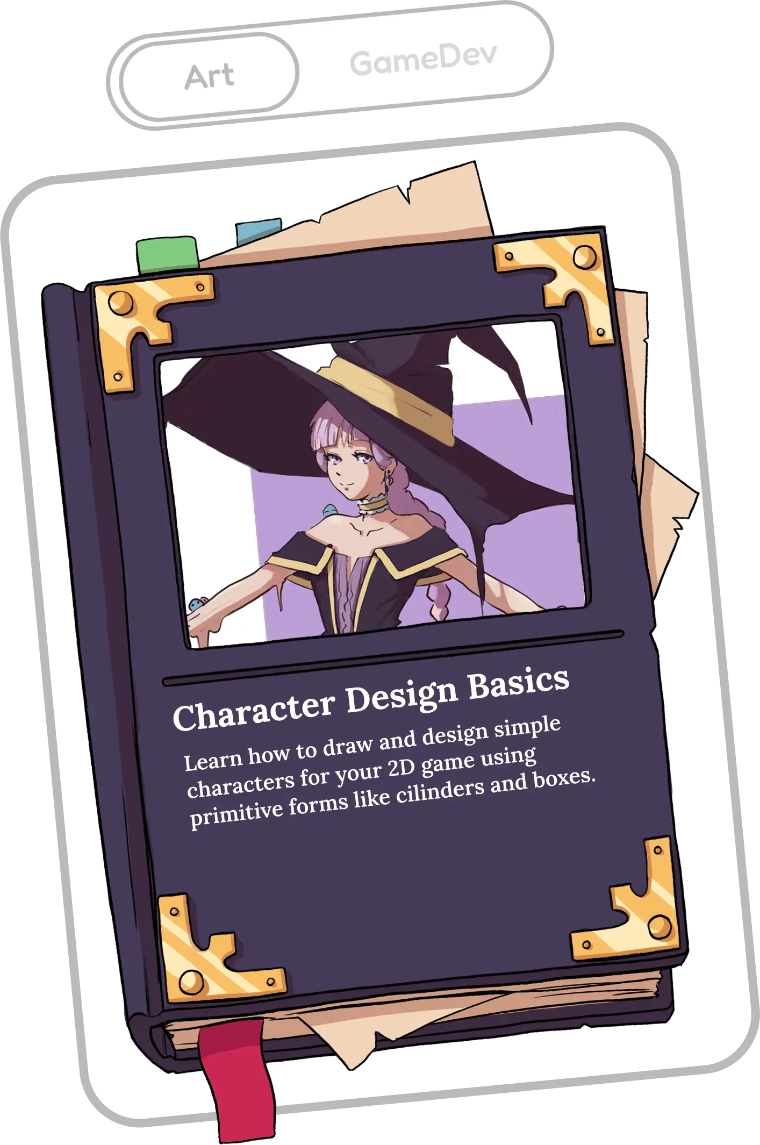
The platform will consist of two parts: a gamified website with lessons, XP, quests, achievements, and more, and our practice tool built on top of the Godot — a free and open-source game engine. On the website you'll find a wide range of courses on topics like drawing, music, writing, and coding. These courses are organised into roadmaps with branching paths that open up as you progress, allowing you to tailor your learning path to your interests and goals.
Benefits
- Clear structure: Always know what to do next.
- Personal feedback: Get guidance from experienced teachers
- No experience required: Work on real games from your very first lesson
- Hands-on practice: Work on real games from your very first lesson
- Gamified learning: Stay motivated through quests, rewards, and achievements.

Along the way you will earn rewards for completing lessons, courses, and quests. These rewards show your progress and can be spend to join online classrooms, request feedback, and unlock special creator-made courses. You'll also get to meet and collaborate with fellow students during the classroom sessions and at community-hosted events on our Discord.


Teaching method
My method is simple: theory, practice, feedback, and reward. I teach one concept at a time, like learning chess. I show how a single piece moves, we play a short game with only that piece, and if a move goes wrong, I explain why and we try again. Once it clicks, we celebrate and add the next piece.
Lloyd, CodeSprites Founder

The practice tool
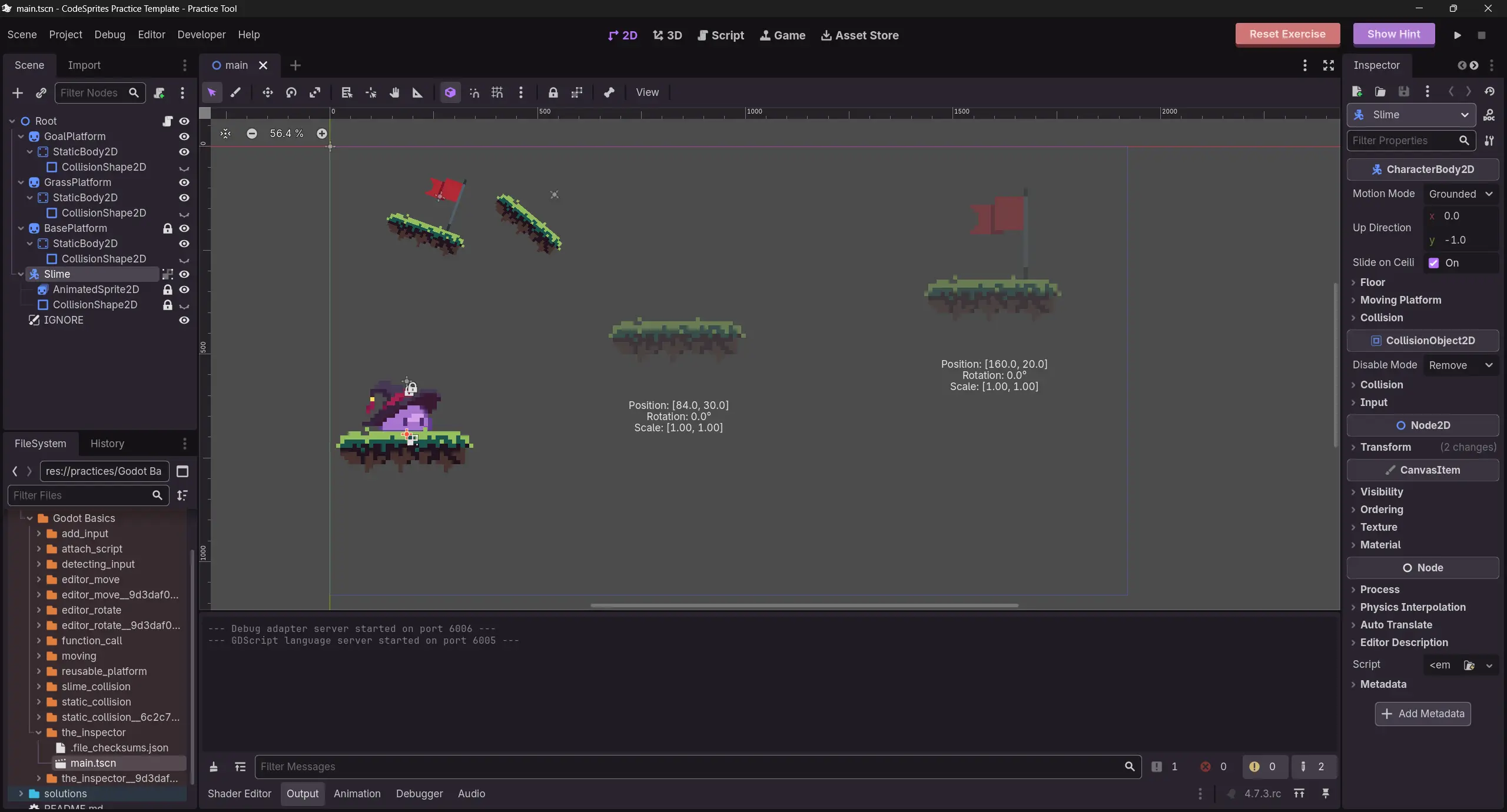
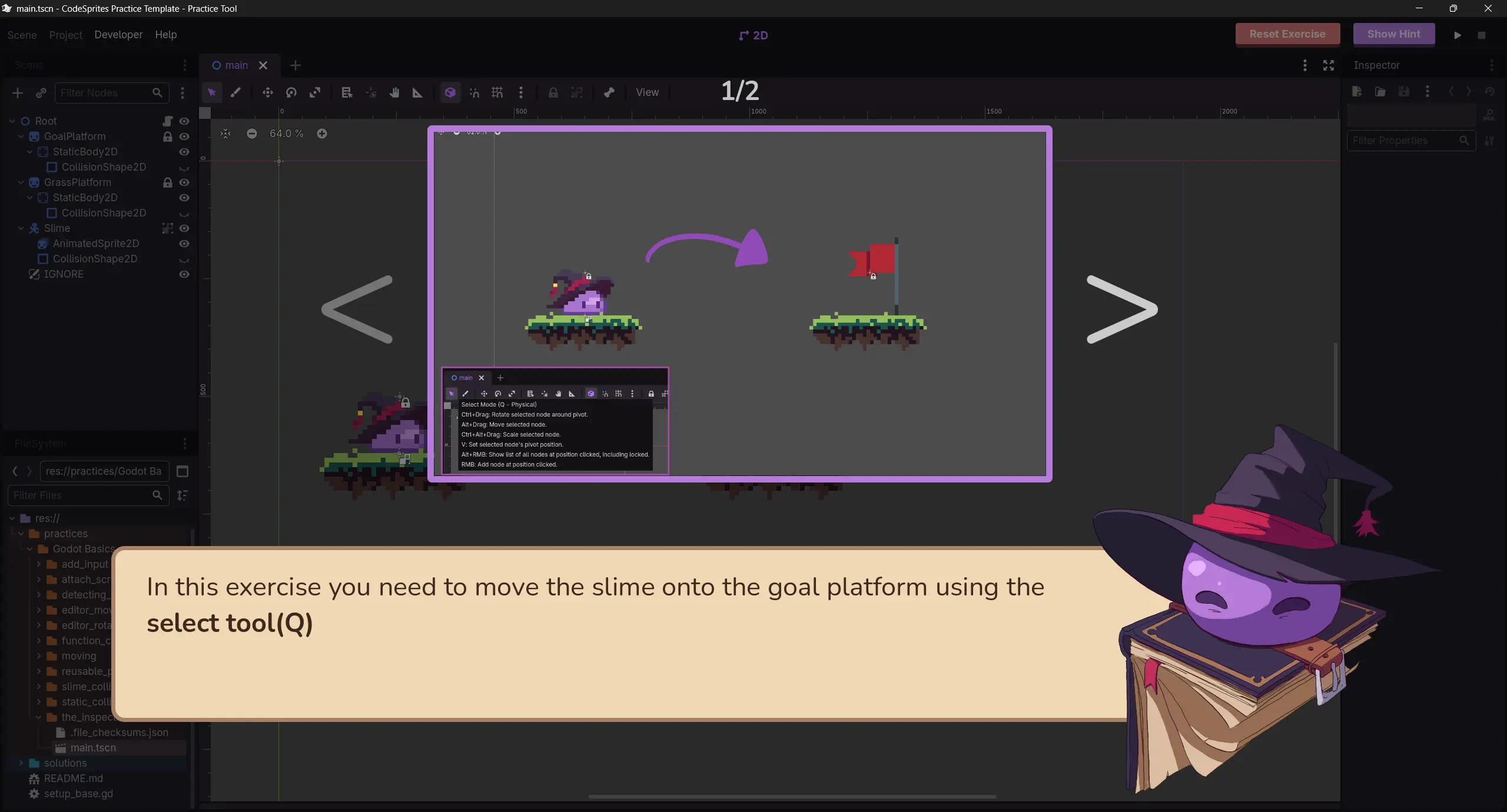
Our practice tool is designed to take the pain out of learning a game engine. Every lesson includes a set of exercises that are loaded in automatically, each covering a single concept. The tool explains every exercise at the start and keeps the editor clear of anything you haven't learned yet. When you get stuck, the practice tool's built-in exercise hints help you figure out what's wrong and how to fix it, whether it's invalid code, a missing node, or a wrong setting.
Once you’ve completed every exercise, your progress is automatically saved to the website, and you can move on to the next lesson.
Features
-
Distraction-free:
Anything unrelated to the exercise stays hidden or disabled so you can focus on what's important.
-
Exercise hints:
Run the exercise at any time to receive detailed hints on your code, scene, or anything else, right inside the editor.
-
Zero setup:
Start your first exercise straight from the browser, or install the tool locally for better performance. Available on Windows, macOS, Linux, and Android.
Be the first to know — subscribe now!
CodeSprites is still in the making. Leave your email and we’ll keep you updated and let you know the moment early access opens up.